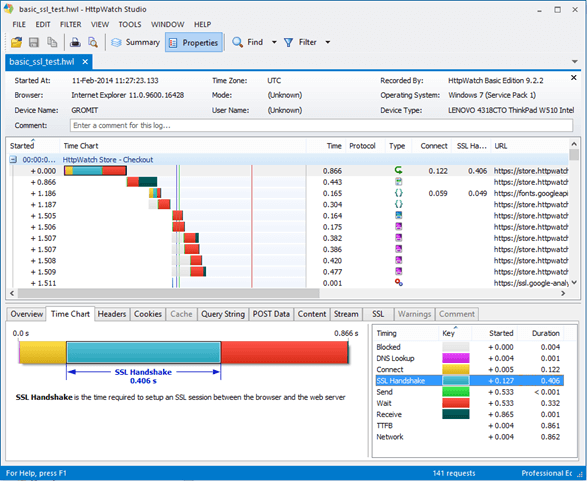
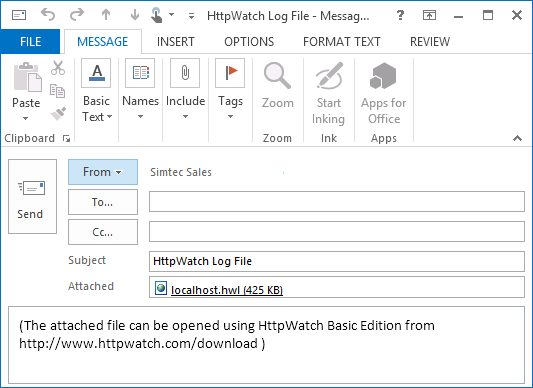
Customers and Users Can Send You Log Files Securely and For Free
The free Basic Edition of HttpWatch for Windows allows anyone to send you a detailed HttpWatch log file (HWL) without having to make a purchase.
This feature is often used by software companies to diagnose issues that their customers have reported in their web based systems.
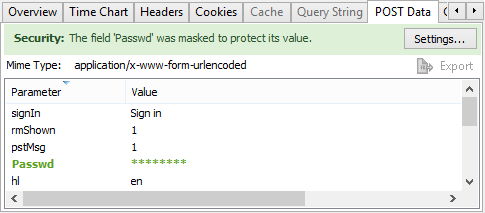
Passwords Are Masked in Log Files
A common problem with collecting HTTP trace files from customers or users is that the file may contain the password that was entered during login. HttpWatch is configured by default to mask out suspected password fields in submitted web forms.
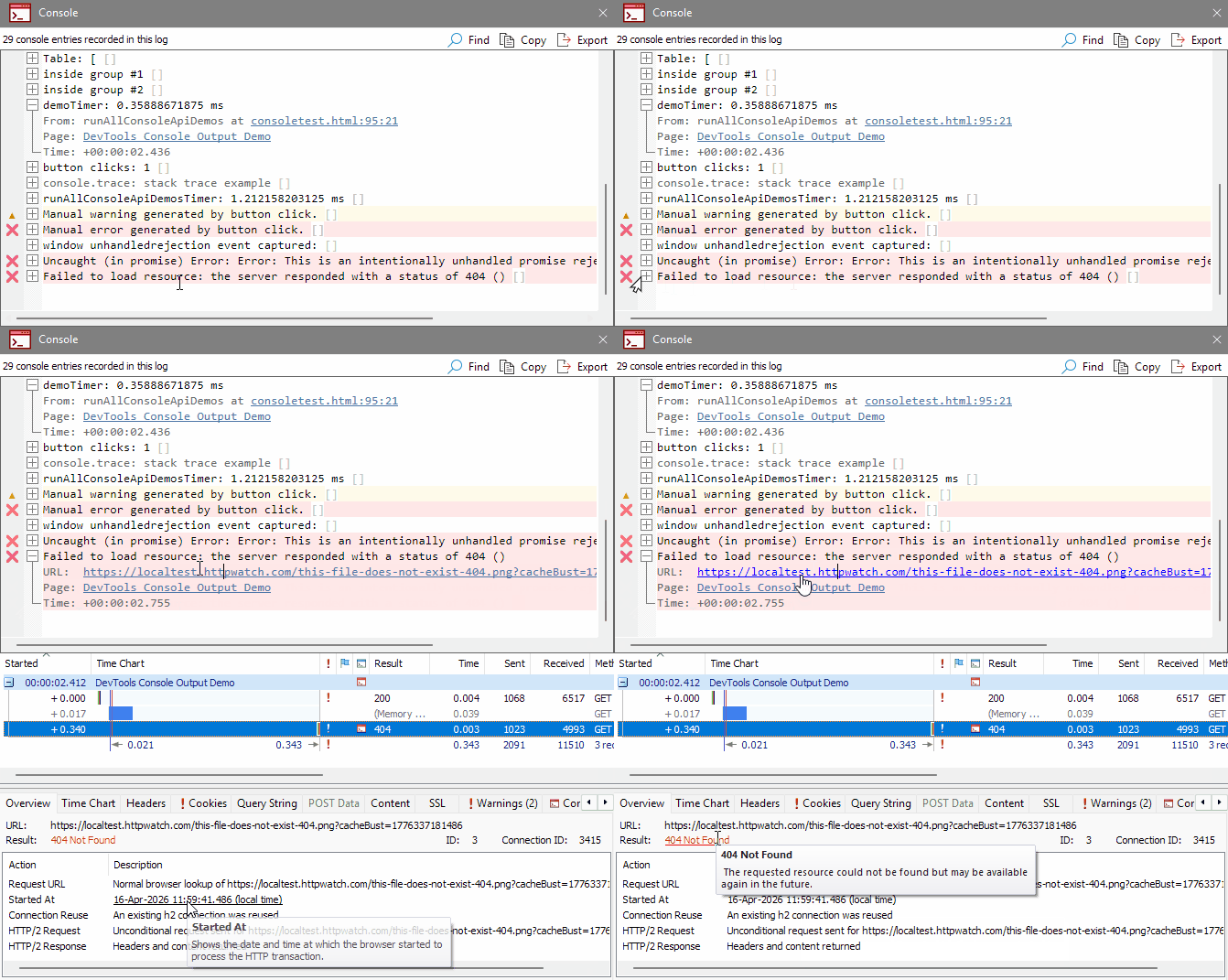
View Console Output Recorded in Log Files
Console output from Chrome and Edge is recorded in HWL files, making it easier to remotely debug issues in any web application. Each console entry can include additional metadata such as timestamps, the page URL and stack traces, helping you understand exactly when and where an issue occurred without needing direct access to the browser.
HttpWatch Professional Unlocks Log Files From The Basic Edition
Log files recorded in HttpWatch Basic contain the same level of detail as HttpWatch Professional but only a limited amount of information is displayed by default. This information is available when you open the file in HttpWatch Professional.