Easy Setup - No Admin Rights Or Changes To Proxies, Drivers and Certificate Chains
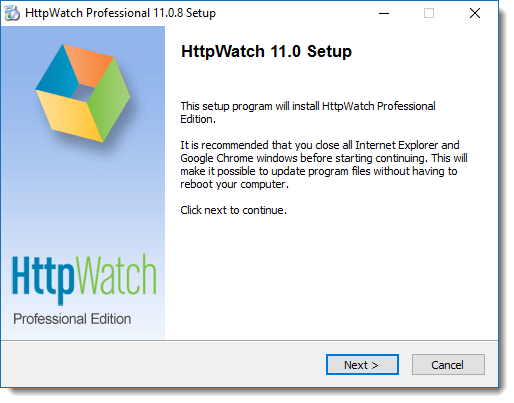
Setting up HttpWatch just takes a few minutes. After running the install program simply open Chrome or Edge and then confirm that you want to enable the HttpWatch add-on. HttpWatch can then be opened to view the network traffic for any web page.
Local admin rights are no longer needed. HttpWatch installs into your own user account, so it can be set up on a locked-down machine, or installed by a customer or colleague who needs to record a log file, without involving IT. To install for all users on a machine, run the setup program with the /all-users=1 command line option.
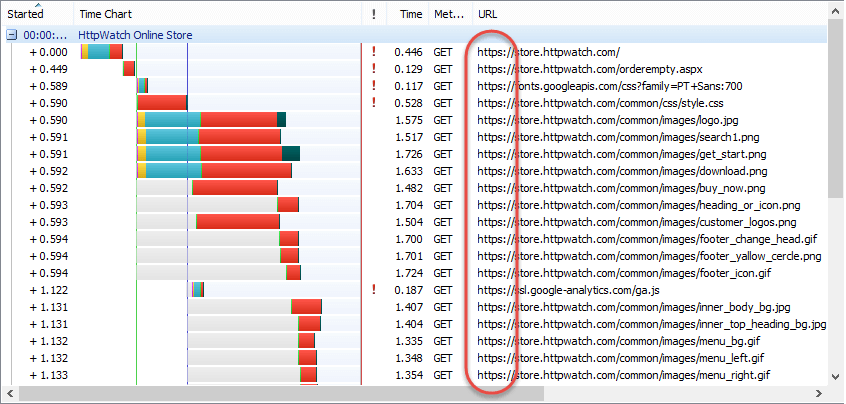
Hassle-Free Access To HTTPS Traffic
HttpWatch is able to display HTTPS traffic without having to decrypt it first because it is integrated within the browser. This means you don't need to have access to private keys or modify trusted SSL root certificates.